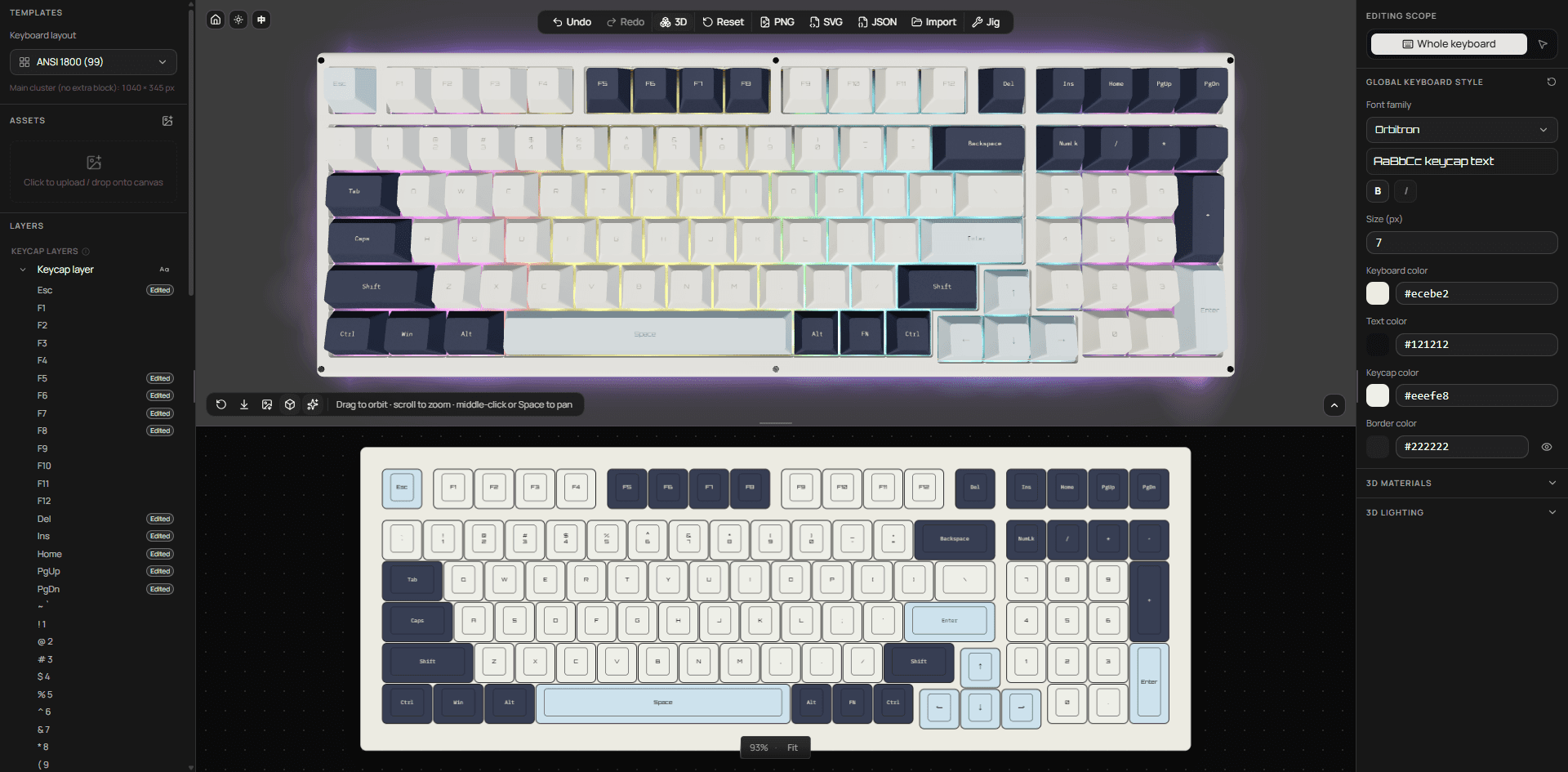
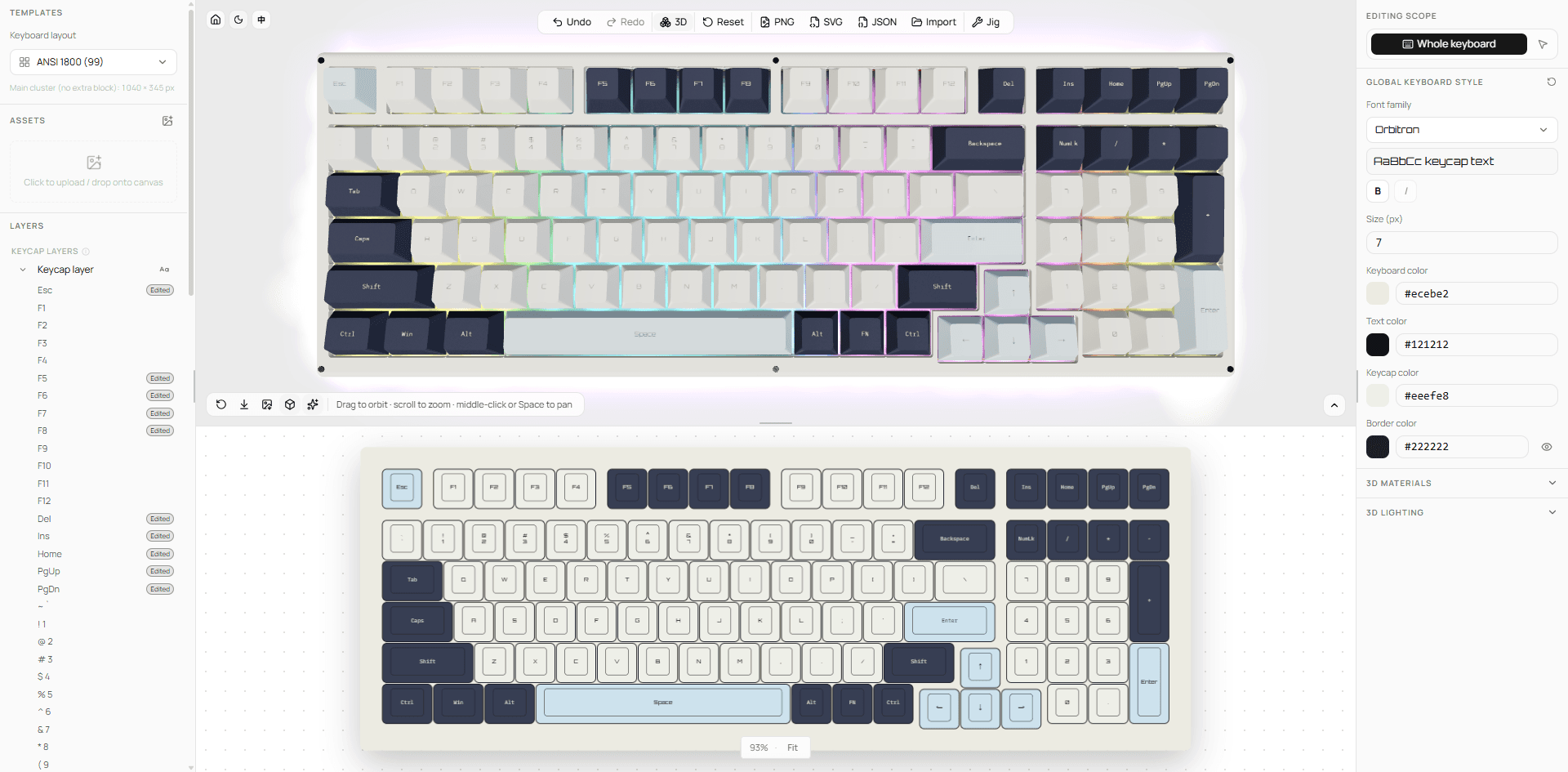
Live 3D preview
Every color, legend, and image change syncs to a 3D keyboard. Orbit, zoom, switch materials and lighting, then export a render.
How it works
Everything runs locally in your browser — nothing to install, nothing uploaded.
Nine fixed ANSI layouts, from 60% up to 144 keys with a supplement kit.
ansi-60 … ansi-108-kit
Set colors, legends, and fonts per key or in bulk, and drop images onto the board.
color · font · artwork · layers
Check the result on a 3D keyboard — orbit, zoom, and tune materials and lighting.
orbit · zoom · material · light
Export PNG, SVG, design JSON, and jig SVG for your manufacturer or your backups.
PNG · SVG · JSON · JIG
Features
From the weight of a single legend to full-board artwork and production jigs, the editor covers the whole custom keycap workflow.
Every color, legend, and image change syncs to a 3D keyboard. Orbit, zoom, switch materials and lighting, then export a render.
PNG, SVG with outlined text, design JSON, 3D renders, and production jigs — all generated locally in your browser.
Legend, font, weight, solid or gradient fill, border, padding, and alignment — set for every key individually.
Box-select or multi-select keys and restyle them together. A full colorway takes minutes.
A dozen built-in fonts, plus local TTF / OTF files loaded for the session. Fonts stay in memory and are never uploaded.
Every step in the session can be undone and redone, so experiment freely.
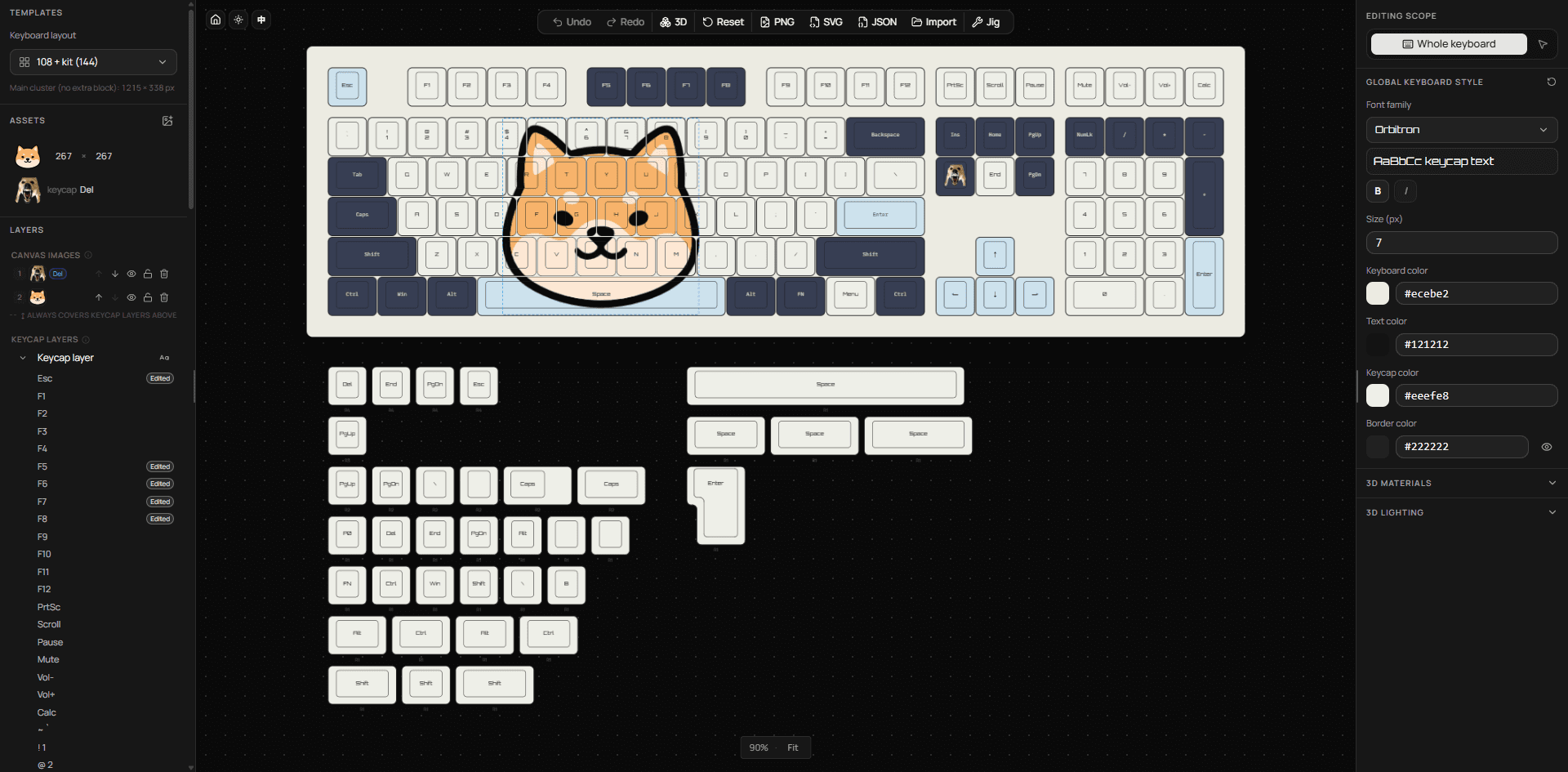
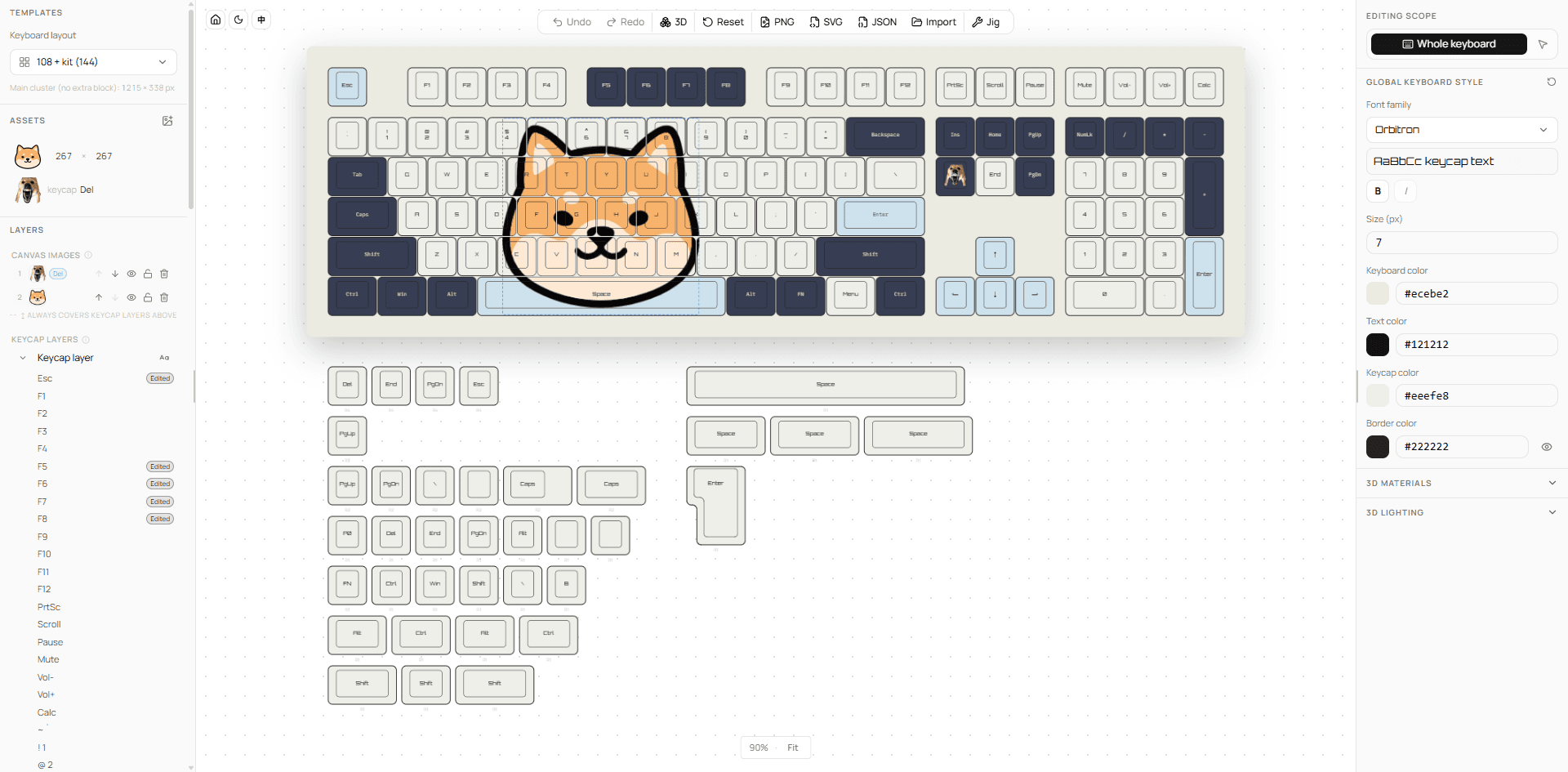
Drag images onto the board, scale and rotate them across multiple keys, and manage images and keycaps as separate layers.
Layouts
Every layout is defined by a JSON file in the repository — the keyboards below are rendered straight from that data.
Open source
Keyboard Designer is MIT-licensed. The editor, keycap and case 3D models, layout data, and jig templates all live in the repository, free to study, modify, and deploy.
Use, modify, and redistribute freely. Third-party fonts and models follow their own licenses.
No accounts, database, or cloud storage — exports are generated in your browser.
Standard keycap and case GLBs, Blender sources, layout JSON, jig templates, and bundled fonts.
Found a bug or have an idea? Issues and pull requests are welcome.
FAQ
Didn't find your answer? Open an issue on GitHub.
It's free and MIT-licensed open source. There's no account system — open the page and every feature is available.
Nine fixed ANSI layouts: 60% (61 keys), 65% (68), 75% (80), 75% extended (84), TKL (87), 1800 (99), 104, 108, and 108 with a supplement kit (144). Free-form layout editing isn't supported yet.
The 2D board exports PNG, SVG with outlined text, and design JSON; the 3D preview exports PNG renders; and you can export a production jig SVG. STEP, STL, GLB, and other 3D/CAD formats aren't available.
Only in the current browser tab — nothing is uploaded. Refreshing or closing the tab discards unexported changes, so export JSON regularly and import it later to keep editing.
The jig SVG is the production-oriented file, with every keycap placed at its jig position. PNG and SVG work best as design mockups and references. Confirm colors, sizes, and file specs with your manufacturer before ordering.
See keycaps and case together in real time, orbit, zoom, and pan, adjust materials and lighting, and export a render.
You can browse the homepage, but the editor is built for desktop and needs a screen at least 768px wide.
Yes. The assets page lists the repository's 3D models, Blender sources, layouts, jig files, fonts, textures, and media, with download links on GitHub.
Get started
Opens instantly — no sign-up, nothing to install.